GETTING STARTED
Welcome to Your Plumbify Launchpad
Complete these 4 simple steps to set up your identity, connect payments, configure lead-capture, and go live. Your automated plumbing business system is almost ready.
Your 4-Step
Flight Path
Fill Company Name and AI Greetings to brand your customer touchpoints.
Connect Stripe or Square to enable Tap-to-Pay and instant payment collection.
Set up Missed Call Text-Back automation to stop losing leads and recover revenue.
Finalize your custom variables before the system goes live for your business.
Step 1
Define Your Brand Identity
Your company name and AI greetings are the first things a customer interacts with. Let's make sure they reflect your professionalism from the very first touchpoint.
- Establish a consistent brand voice across all channels
- Personalize AI responses specifically for your plumbing trade
- Build instant trust and credibility with every new lead
Takes approx. 2 minutes
STEP 2 : REVENUE
Activate Instant Payments
Eliminate unpaid invoices and chase down payments no more. Connect your Stripe or Square account to enable Tap-to-Pay for your technicians in the field and secure instant cash flow immediately after completing every plumbing job.
- Enable Tap-to-Pay on mobile devices directly from the app
- Automate post-job invoice collection instantly
- Sync all payments securely to your dashboard
STEP 3: LEAD CAPTURE
Stop Losing Leads
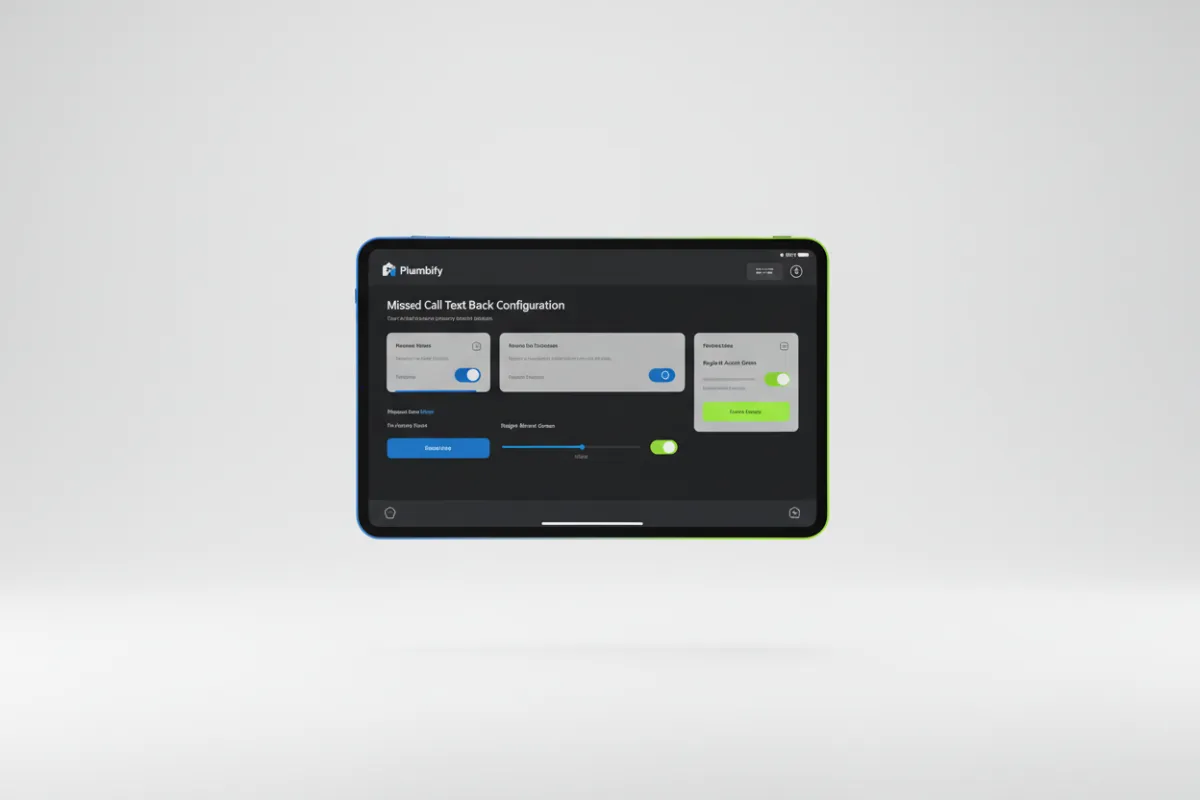
A missed call shouldn't mean a missed job. Activate the Missed Call Text-Back automation to instantly engage prospects the moment you can't pick up the phone. Turn silent voicemails into recovered revenue without lifting a finger.
- Instantly reply to unanswered calls with a custom SMS
- Engage leads while they are still actively searching
- Keep prospects from dialing your competitors
- Automatically drive them to book an appointment
STEP 4 OF 4
Final Review & Go Live
Ensure your Plumbify dashboard looks perfectly aligned with your business. This final polish secures your company identity and locks in your automated greeting variables before you open the floodgates to new plumbing leads.